
A power dialer will dial numbers to the list you prepare in advance and connect answered calls to available agents. It reduces manual dialing, lowers call times, boosts agent output, cuts downtime, and helps sales teams manage high-volume outbound calling calls.
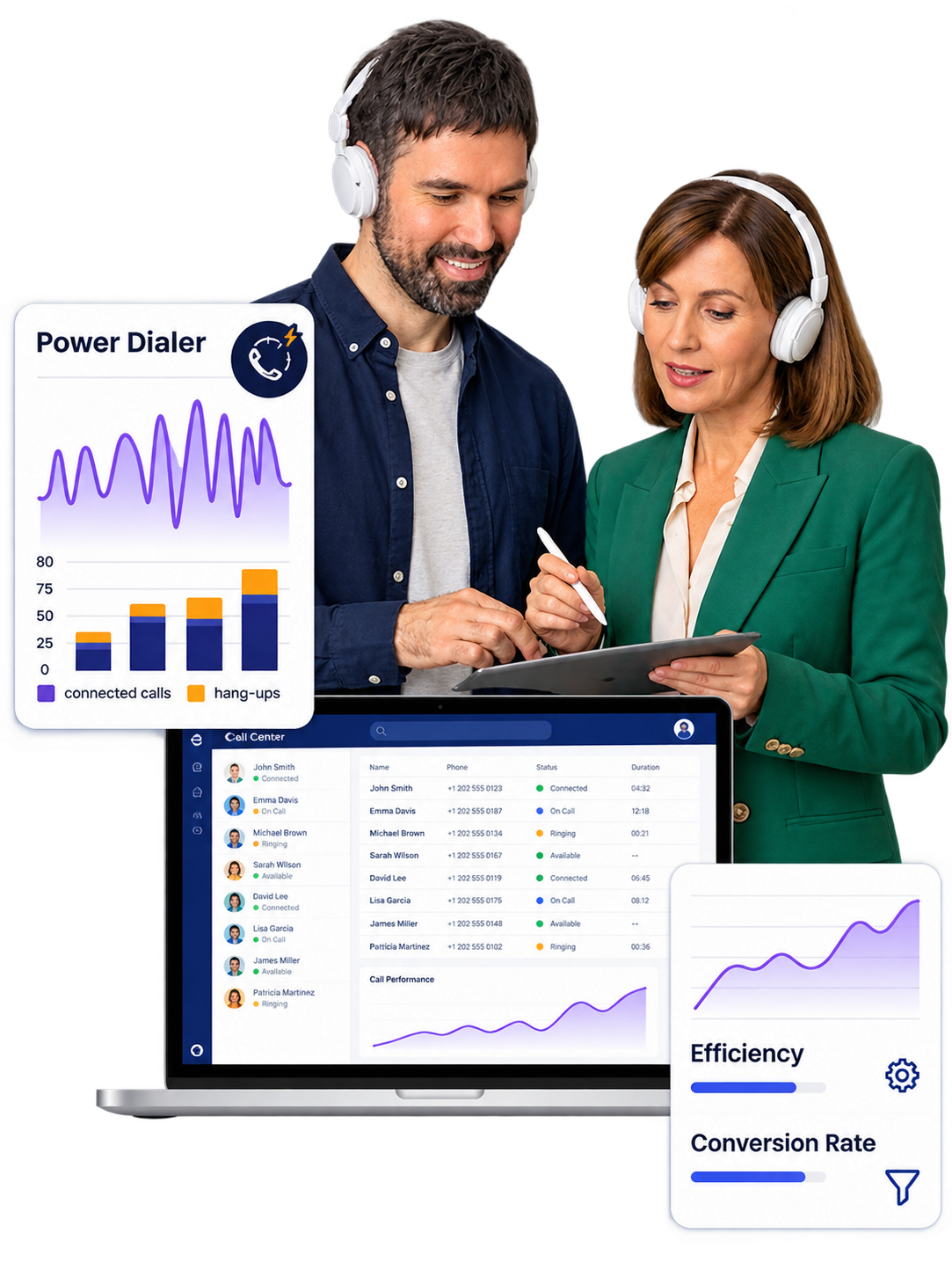
It can be challenging for sales and call center staff to manually make hundreds of outbound calls. Users need to look for contact, dial the digit, wait for the phone, note the outcome, and then repeat the process. This is modified by the use of a power dialer, which performs the dialing task fast. When a customer answers, it goes over a specific contact list and connects it to agents.
For industries where outbound contact is the norm, the dialer reduces the calling experience and allows agents to focus on what matters most: the connection with the consumer.
A Power Dialer helps reduce repetitive dialing activities so agents can dedicate more time to meaningful customer conversations and follow-up actions.
Agents enter numbers, wait for call results and repeat the dialing process for every contact.
The system manages contact lists and routine dialing steps, reducing the need for constant manual input.
Agents focus on the person who responds, understand their needs and manage the next action.
A Power Dialer reduces frequent manual tasks and helps agents concentrate on customer questions, conversation quality and the next step after every interaction.
A Power Dialer simplifies daily outbound calling by organizing campaigns, managing contact lists and supporting agents through each stage of the calling process.
Follow a structured calling journey where every stage connects with the next action in your outbound campaign.
Choose contacts from your organized lead list.
Select the campaign based on your business goal.
The system manages the dialing process for available contacts.
The agent is connected when a customer responds.
Discuss customer needs and understand the purpose of the interaction.
Record the result and define the next action.
Continue with the next contact in the campaign.
Create separate campaigns for different lead sources, customer requirements and business activities.
Arrange contacts according to campaign requirements.
Follow consistent steps from lead selection to outcome.
Keep campaign activities easier to monitor and manage.
The biggest value of a power dialer is not simply automatic dialing. It gives agents more time to understand customer needs, explain products, answer questions, handle objections, and schedule follow-ups.
By reducing repetitive dialing tasks and unnecessary waiting time, power dialer software allows agents to focus on the person behind every conversation.
Give agents more time to listen, understand customer requirements, and respond naturally.
Support meaningful discussions by allowing agents to explain products and address concerns.
Agents can schedule callbacks, confirm next steps, and maintain consistent follow-ups.
Sales teams can benefit from a more conversational calling environment, while managers can use power dialer campaign information to monitor outbound activities, understand agent performance, and identify areas where the calling workflow may need improvement.
The biggest difference is in how calling work is done.
Manual calling allows the agent to direct nearly every step of the process. This provides ease of use, but it also produces ongoing work.
With a power dialer, the platform manages the dialing order while the user focuses on talking.
This makes a power dialer very useful for teams that operate with huge contact lists and want a more set up outbound calling process.
Every business has unique calling needs. Before picking a power dialer solution, consider the full workflow, not just fast dialing.
Review how the platform fits into your existing business process before making a decision.
A user-friendly platform is only useful when your staff are able to connect it into their everyday workflow.
Choose a dialing approach that matches your team, campaign requirements, and everyday calling workflow.
Work through prearranged contact lists according to campaign requirements.
Match dialing activity with agent availability and conversation time.
Align your dialing process with sales, follow-ups, or service goals.
Consider customer data, call records, and existing business tools.
Select a system that supports your daily business workflow.
Reduce manual dialing and give agents more control over customer conversations.
BUSINESS FITIf the workforce is spending too much time manually dialing numbers, then a power dialer can provide a better alternative.
It can be particularly useful for agents who have to work through prearranged lists of contacts and still want to control the conversation.
Agents should not spend most of their working hours typing phone numbers and waiting for calls.
A power dialer system can automate the recurrent part of outbound calling, allowing your agents to focus on consumers.
Whether you manage a sales team, contact center, call center process, or a follow-up campaign, the correct dialing system will help you build a more efficient calling workflow.
Organize your contact list and support a more focused outbound calling process.
Support sales teams, contact centers, call center processes, and follow-up campaigns with a structured dialing approach.



Connect with your customers faster, smarter and more efficiently with AI-powered calling.