
A preview dialer lets agents see customer data earlier in the dialing process. Agents can access contacts, past meetings, and helpful records, allowing them to prepare properly, tailor chats, form sound analysis, and provide excellent client service during calls.
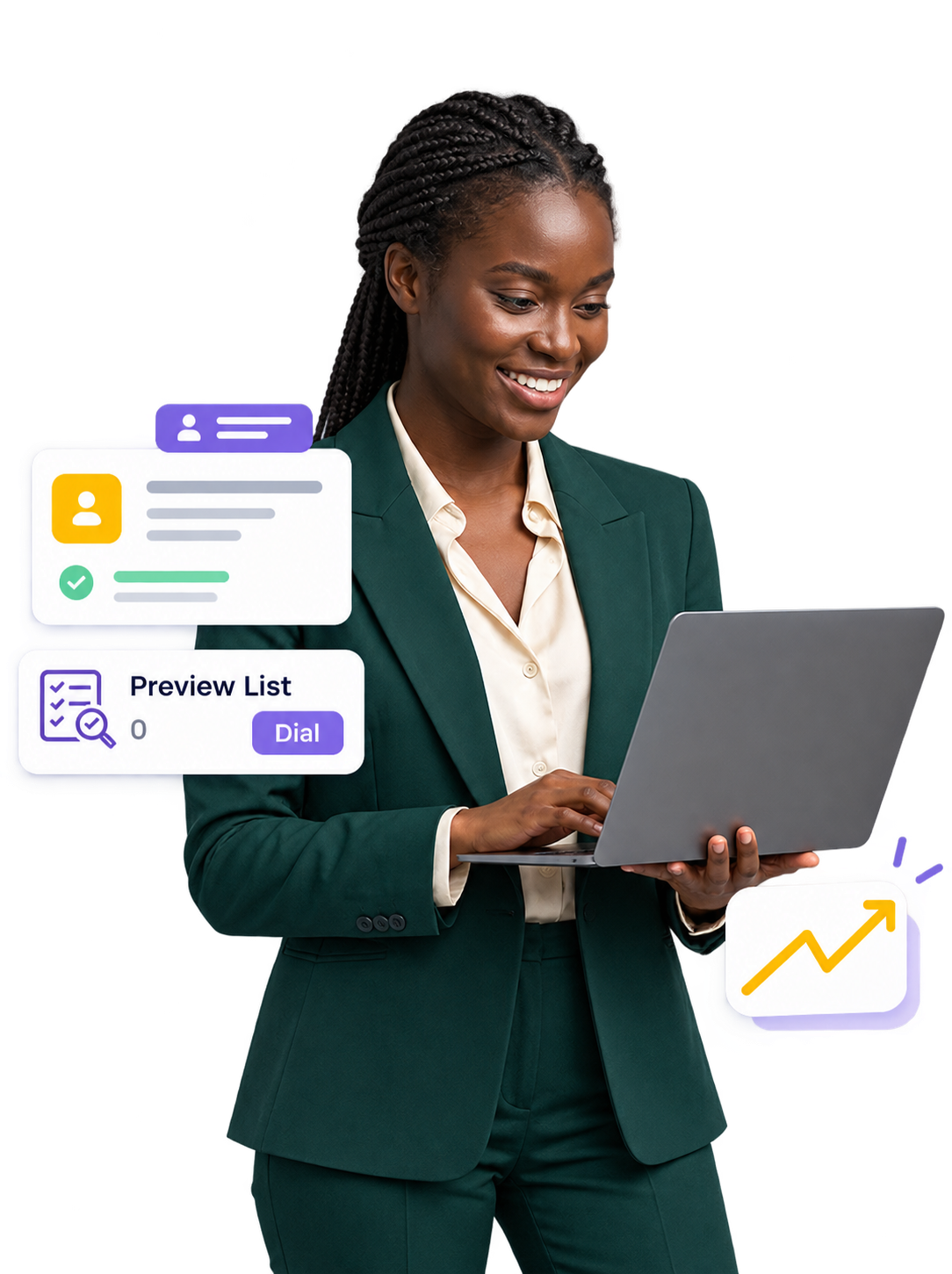
A preview dialer gives agents the right data when they’re going outbound. The system prevents an agent from simply dialing the next number by displaying customer data in advance and allowing the agent to decide when to make the call.
This process works well when each conversation needs research. Agents can review client information, determine the reason for the call, and then connect with that person at the right moment.
Our Preview Dialer system allows sales, customer support, collections and other outbound calling teams to make calls with more control and context.
Every lead is different. Some clients may have already spoken with your team, but others might need an entirely different approach.
A preview dialer provides useful information to the agent before the discussion begins. This allows agents to plan their approach rather than entering a call with no context.
Enterprise Customer
Follow-up RequiredReview the available customer information before initiating the conversation.
Last discussion completed 3 days ago.
Customer requested a product demonstration.
Preferred callback window: 2:00 PM.
Previous discussion focused on pricing.
Understand previous interactions before connecting.
Use available notes and interests to guide the call.
Start the conversation after reviewing key details.
Better customer context helps agents move from cold conversations to more informed and purposeful interactions.
A Preview Dialer adds a simple preparation step to outbound calling, allowing agents to review customer information, understand the purpose of the call, and connect when they are ready.
Business Account Inquiry
Customer requested additional information about the service plan.
Check the available information
Review the customer's previous inquiry and provide relevant information during the call.
Select the next contact.
Review available information.
Prepare for the conversation.
Start when ready.
Record the call result.
Schedule the next action.
Preview dialing supports teams that prefer reviewing customer context, conducting thoughtful conversations, recording outcomes, and managing follow-ups before moving to the next contact.
A preview dialer gives agents the opportunity to review customer information and prepare for every conversation before starting the call.
Review private client information and prepare before contacting valuable prospects.
Review earlier discussions to understand the context of the latest customer interaction.
Review customer context, prepare the conversation, and start the call with confidence.
Help agents prepare according to customer requirements and sales objectives.
Review account history before contacting existing customers.
Access useful account details before discussing payment issues with customers.
Give agents the information and control they need to prepare for customer conversations, manage follow-ups, and maintain organized outbound calling activities.
Agents can review relevant lead and client information before starting the conversation.
Preview Dialer software gives agents access to important lead and customer details before the call begins. This helps them understand the contact background and prepare for a more informed conversation.
Connect your customer database with outbound calling. Preview relevant customer information, prepare agents for conversations, and update CRM records through one connected workflow.
Customer information is collected from the connected CRM and prepared for the outbound calling process.
Before making the call, the agent can view important customer details, previous conversations and lead requirements.
Customer showed interest in the business plan. Discuss pricing and implementation requirements.
The agent reviews the available information, understands the purpose of the call, and prepares for a more informed customer conversation.
Prepared customer interaction
Relevant lead information
After the conversation, the agent can select the appropriate call disposition and add relevant notes.
The call outcome, conversation notes and next action can be added to the customer record.
Not every campaign needs the same dialing approach. Explore how Preview, Power, and Predictive Dialers support different calling requirements.
The right dialing method depends on what your team needs to achieve during outbound calling.
Preview dialing can support teams that need customer context before conversations, while other dialer approaches may suit campaigns focused on calling volume or automated dialing efficiency.
Context matters when outbound conversations require planning. Preview Dialer helps agents review customer information before making a call, creating a more organized and informed calling experience.
A Preview Dialer gives agents time to understand the customer profile, review previous interactions and prepare for the conversation before starting the call.
Better preparation helps agents approach every conversation with relevant information and greater control.
Access relevant customer and lead information before starting a conversation.
Start outbound calls directly from the dialer interface without manual number entry.
Maintain call records for review, training and operational visibility.
Organize callback requests and schedule future customer conversations.
Record conversation outcomes and define the next action after every interaction.
Track calling activity, campaign results and follow-up requirements.
Review lead information and prepare for more focused sales conversations.
Help agents understand prospects before initiating outbound interactions.
Provide account context before discussing payment-related requirements.
Review previous conversations and manage the next steps with better preparation.
Preview Dialer helps businesses create organized outbound calling workflows where agents can prepare, connect and manage every interaction more effectively.



Connect with your customers faster, smarter and more efficiently with AI-powered calling.